How FarmHerd Works.Four Steps to Get Going.
From signing up to running the farm day to day, on the devices you already have.
Step 1: Set up your business and farms
Create your account, name your business and add each farm, with its holding number, what it keeps and grows, and its fields on the map.
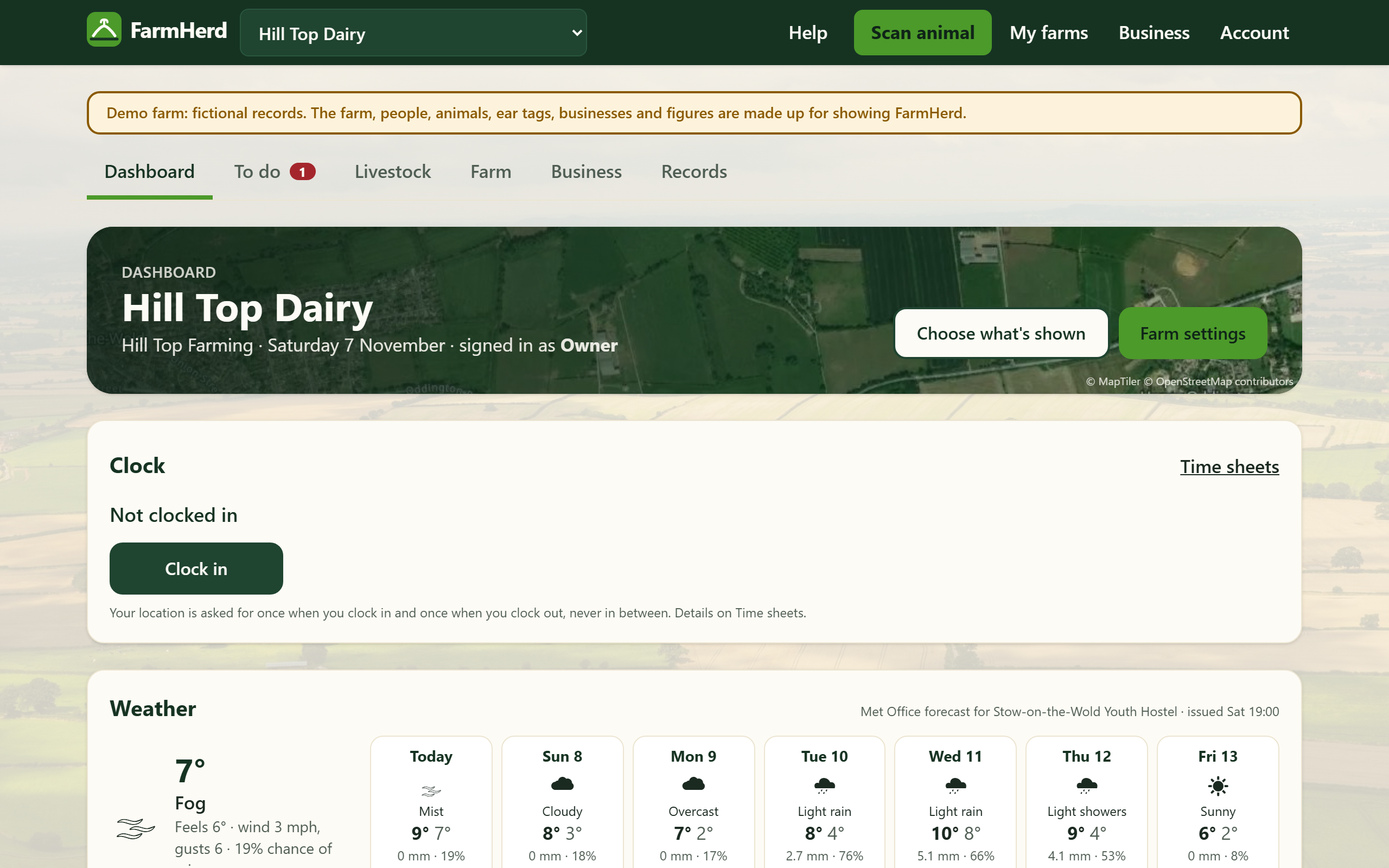
Step 2: Bring your records across
Import your animals, medicines, breeding, weights, milk and money from another app or spreadsheets, or your cattle from the BCMS list. Every row is checked before anything is saved, and the Moving to FarmHerd guide takes you through it.
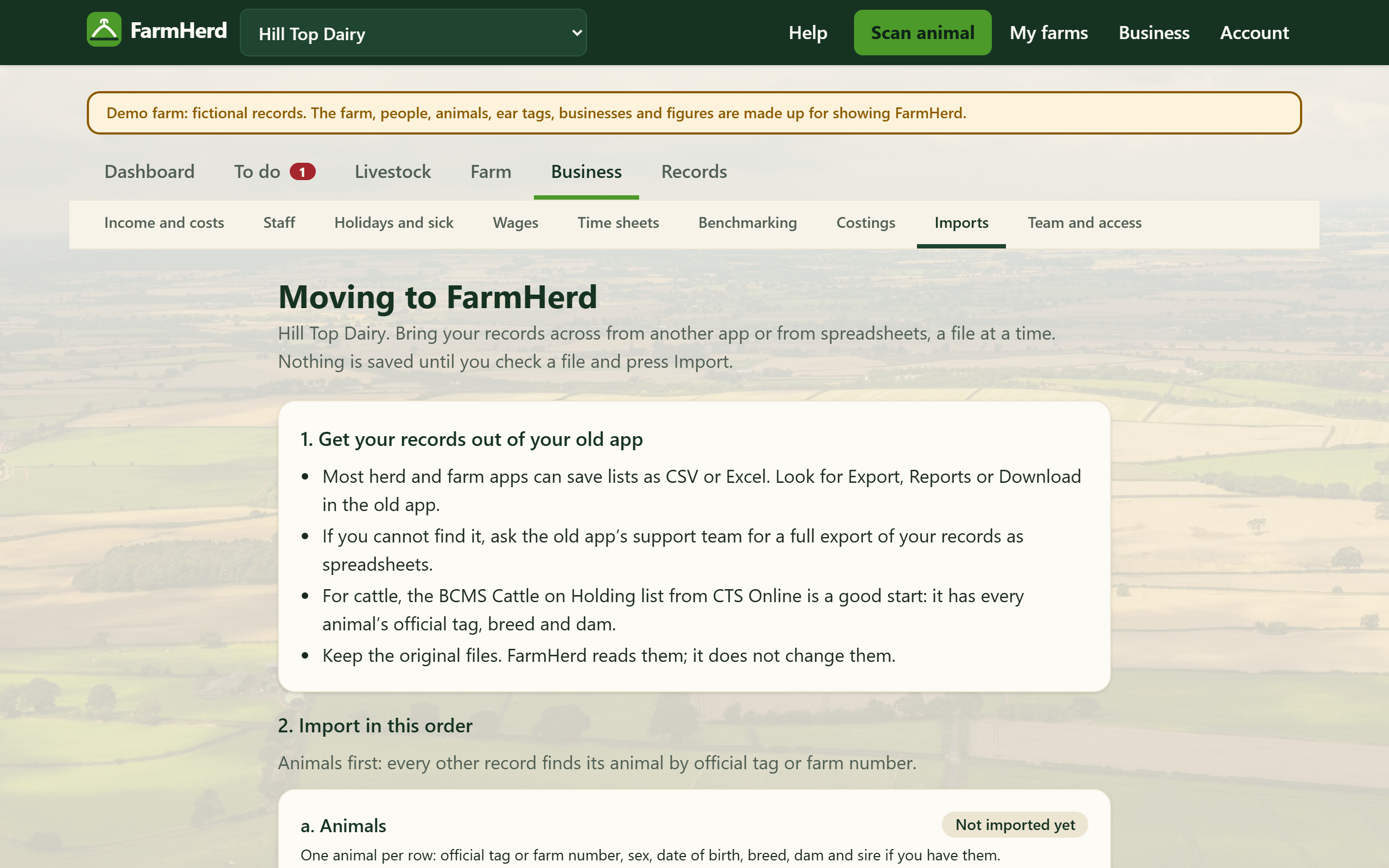
Step 3: Invite your team, vet and advisers
Invite managers and workers to the farms they work on, and your vet or adviser to just the records they need, for a set time. You can take access away at any time.
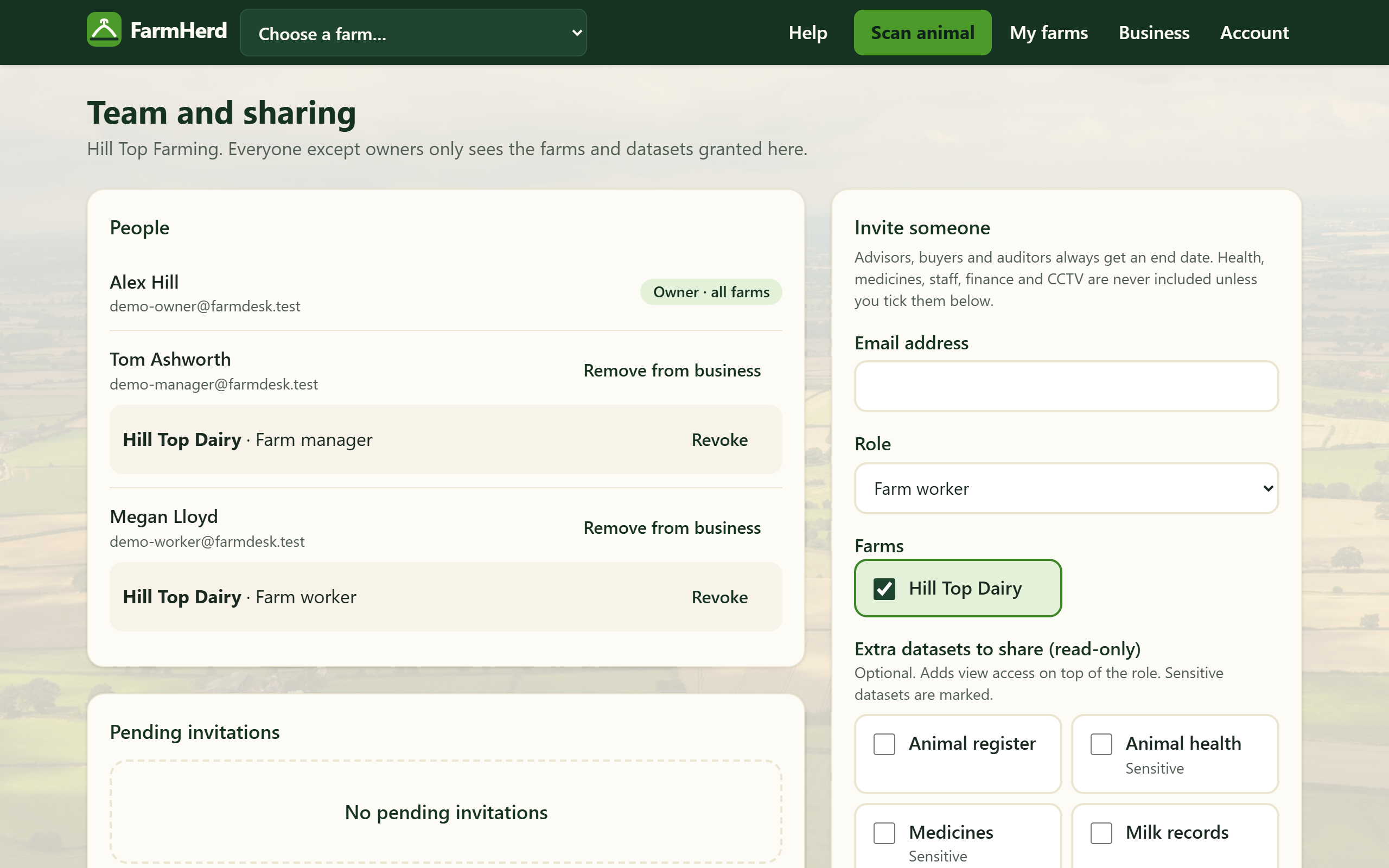
Step 4: Record in the yard, see it in the office
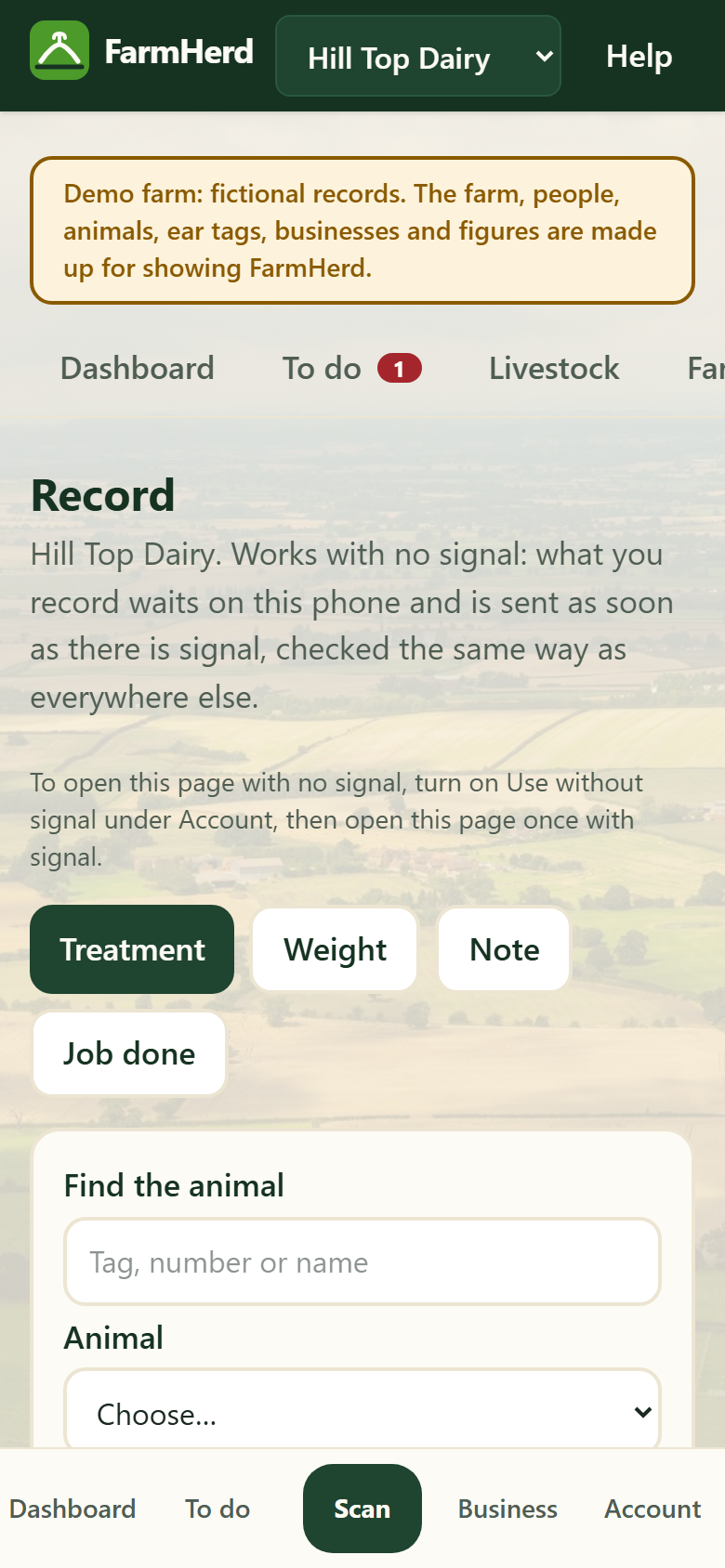
Treatments, weights, jobs done and notes go in on a phone where the work happens, even with no signal, and everyone sees the same records on their computer or tablet.
Working together, safely
Each person sees only what you give them
Workers see their farms; a vet or adviser sees only the records you share, until the date you set.
Who did what is recorded
An activity log shows who added, changed or downloaded records, and when.
Your records are yours
Download everything at any time. Nothing is sent to BCMS or anyone else by FarmHerd.
Kept as you record them
Withdrawal dates, ear tags and test results are kept as given, never worked out or changed by FarmHerd.
Start with step one
Set up your farm, or look around a sample farm first.